Sprache auswählen
Sprachauswahl
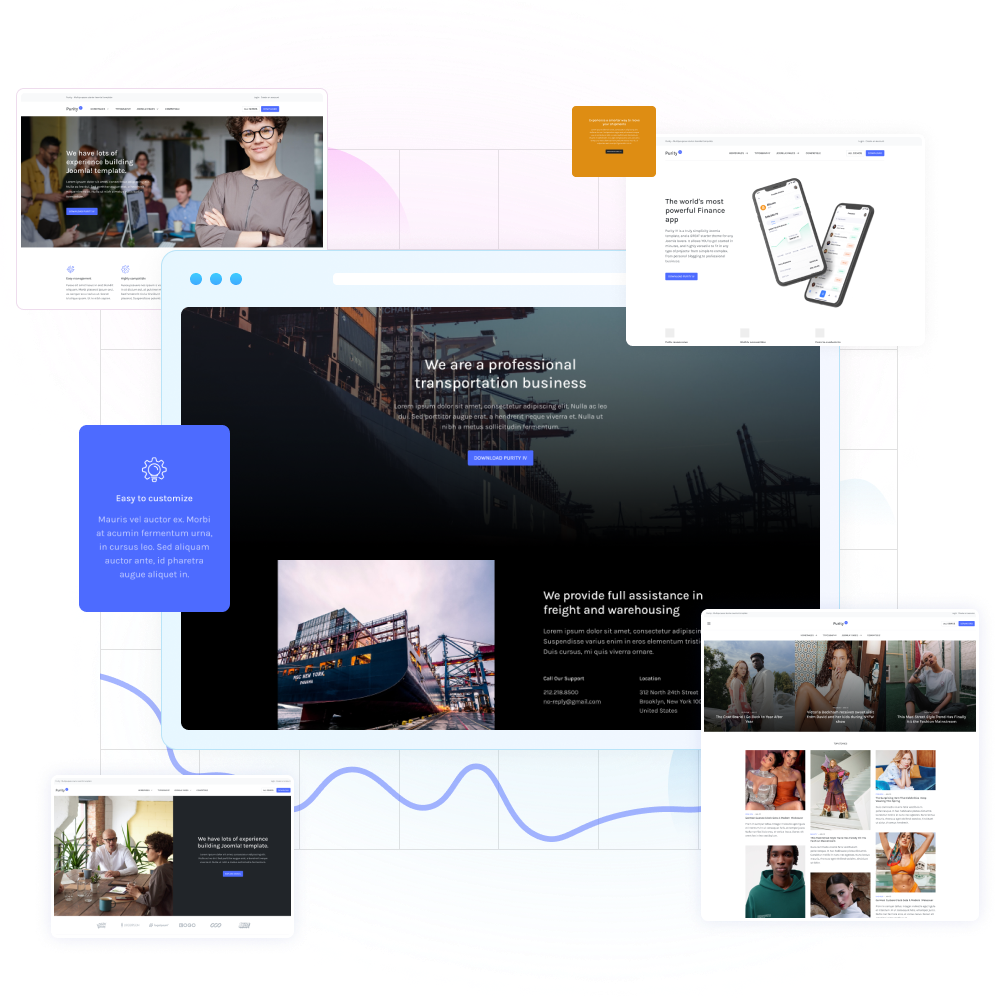
The Return of JA Purity IV - Cooler Than Ever!
Top Stories
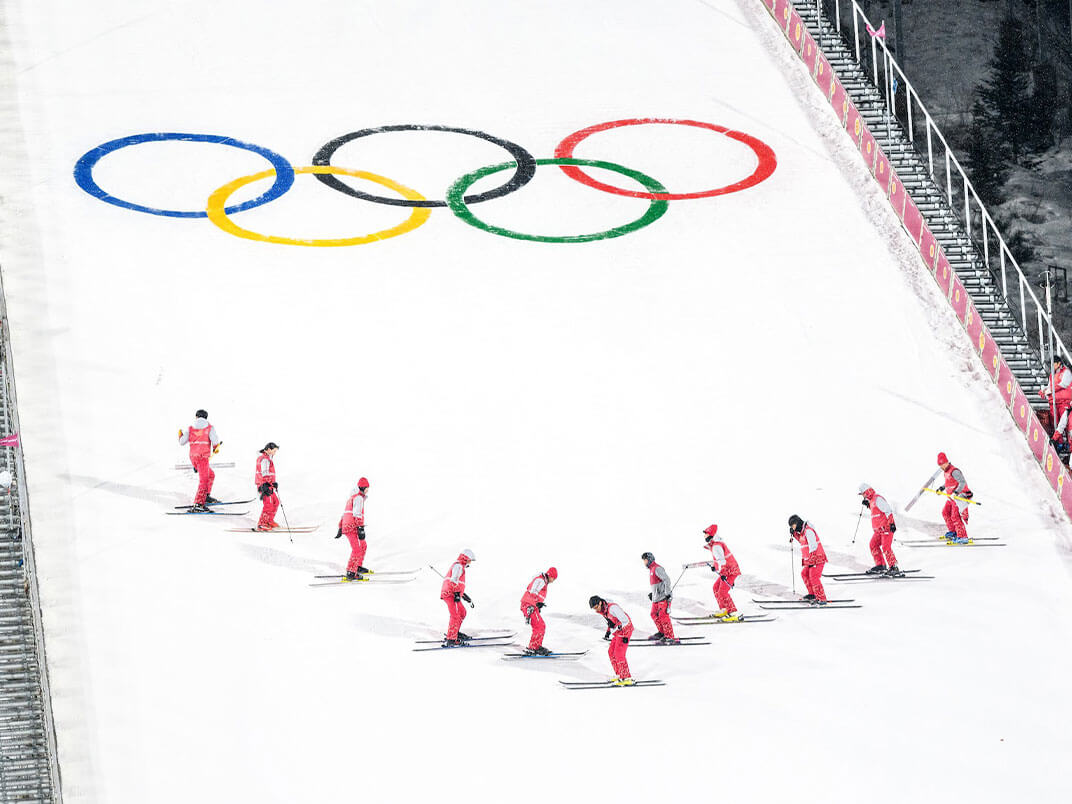
Beyond the Game - Exploring the Social and Cultural Impact of Sports
Discover how sports can be a force for positive change, with a focus on issues such as social...

Exploring the Cutting-Edge Science of Sports Performance - The Sports Science Lab
Get a deep dive into the science behind sports performance, with expert analysis of the latest...

test
Get expert insights into the mental game of sports, with a focus on the psychology of performance, motivation,...

The Athletic Edge - Exploring the Science of Sports Performance
Get expert insights into the latest training techniques, nutrition strategies, and recovery...

The Road to the Olympics - Exploring the World of Competitive Sports
Follow the journeys of athletes as they prepare for the world's biggest sporting events, with...

The Sports Business - Exploring the Business of Sports and Athlete Marketing
Get an inside look at the business side of sports, with analysis and insights into athlete...






Today's Highlight

Easy to customize

Highly compatible

Optimized for Performance and SEO
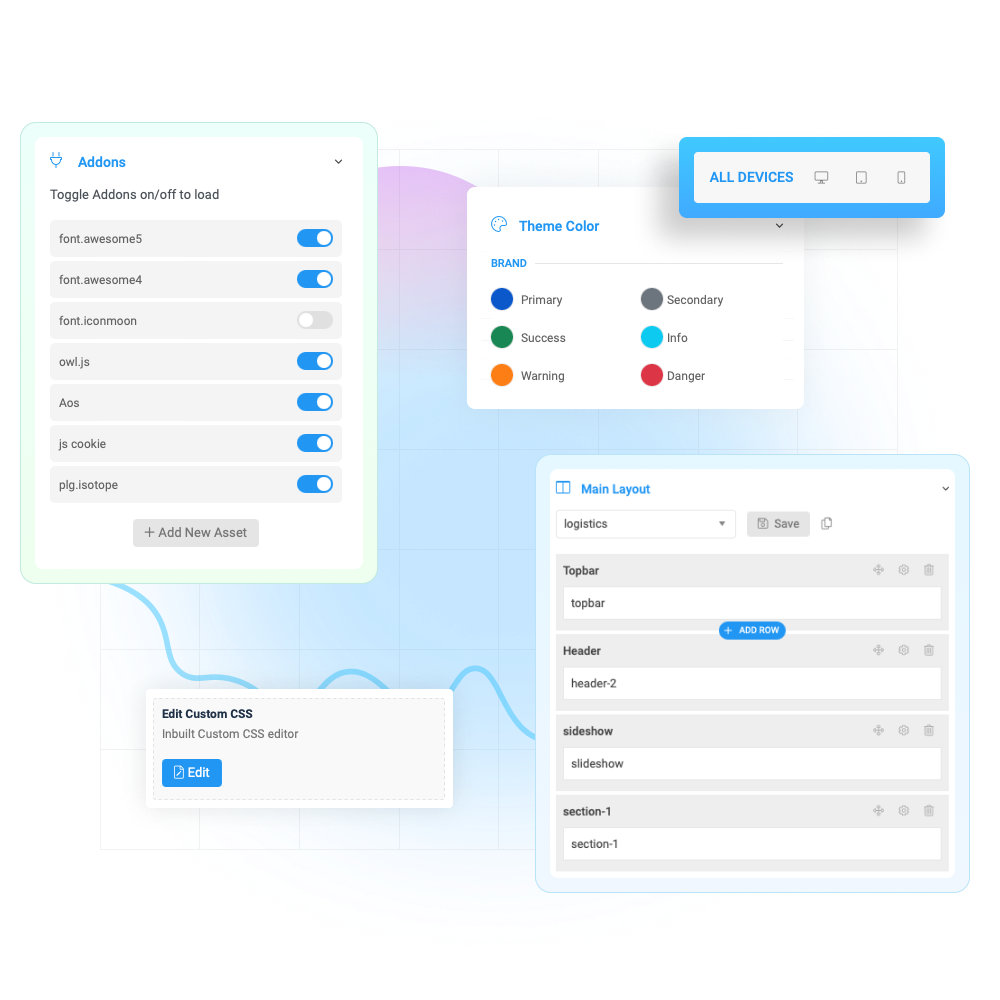
Built on the robust T4 Framework

New Technology

Well-optimized
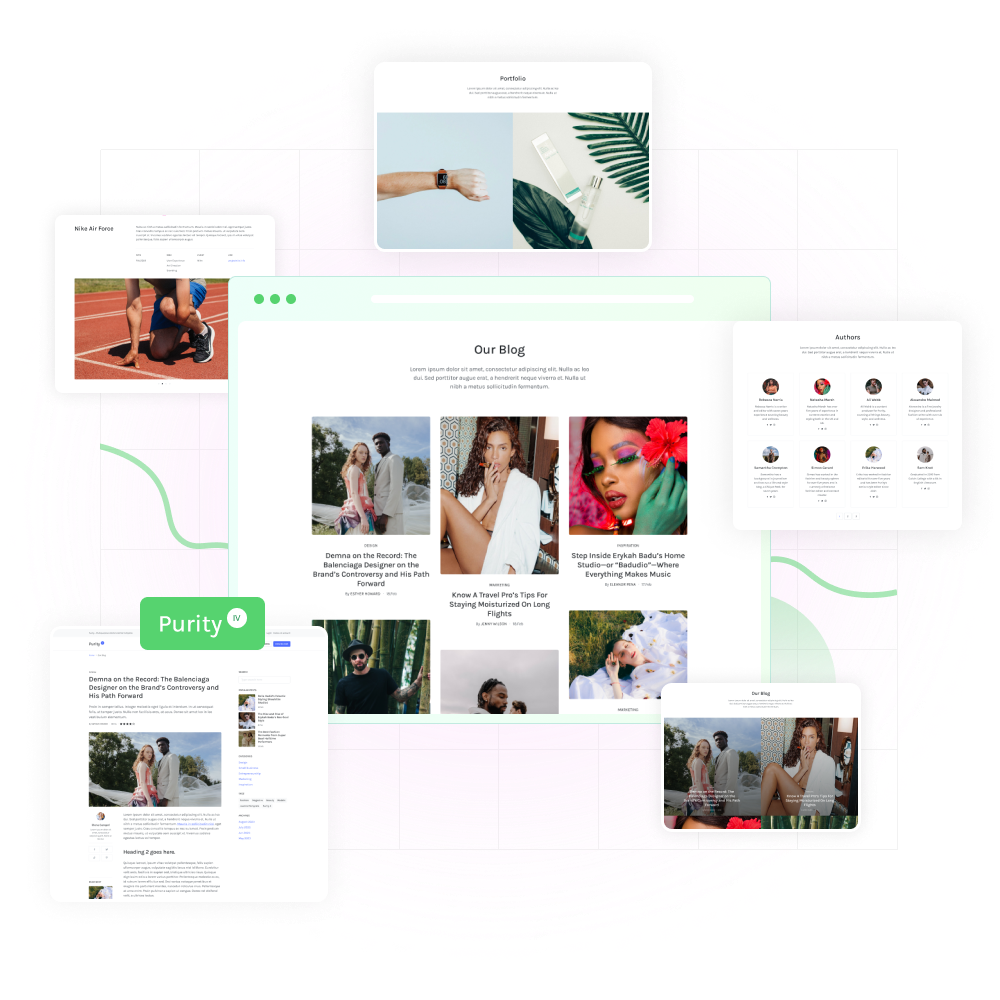
Everything you need, Purity IV cover!
Flexible layouts
All Joomla pages
kreativquartier ruhrort

- Details
- Kategorie: Blog (de-DE)
-
 By Joomla
 - Zugriffe: 38
Templates control the look and feel of your website.
This blog is installed with the Cassiopeia template.
You can edit the options by selecting the Working on Your Site, Template Settings link in the menu which is visible when you log in.
For example you can change the site background colour, highlights colour, site title, site description and title font used.
More options are available in the site administrator. You may also install a new template using the extension manager.

- Details
- Kategorie: Blog (de-DE)
-
By Joomla
- Zugriffe: 35
Your site has some commonly used modules already preconfigured. These include:
- Image (type: Custom), which holds the image beneath the menu. This is a Custom module that you can edit to change the image.
- Popular Tags (type: Tags – Popular), which will appear if you use tagging on your articles. Enter a tag in the Tags field when editing.
- Older Posts (type: Articles – Category), which lists out articles by categories.
- Syndication (type: Syndication Feeds), which allows your readers to read your posts in a news reader.
- Login Form (type: Login), which allows your users to access restricted areas of the website.
Each of these modules has many options which you can experiment with in the Module Manager in your site Administrator. When you are logged in you can also select the edit icon in the top right corner which will take you to an edit screen for that module. Always be sure to save and close any module you edit.
Joomla! also includes many other modules you can incorporate in your site. As you develop your site you may want to add more modules that you can find at the Joomla Extensions Directory.

- Details
- Kategorie: Blog (de-DE)
-
By Joomla
- Zugriffe: 33
Your home page is set to display the four most recent articles from the blog category in a column. Then there are links to the next two oldest articles. You can change those numbers by editing the content options settings in the blog tab in your site administrator. There is a link to your site administrator if you are logged in.
If you want to have your blog post broken into two parts, an introduction and then a full length separate page, use the Read More span to insert a break.

- Details
- Kategorie: Blog (de-DE)
-
By Joomla
- Zugriffe: 35
This is a sample blog posting.
If you log in to the site (the Administrator Login link is on the very bottom of this page) you will be able to edit it and all of the other existing articles. You will also be able to create a new article and make other changes to the site.
As you add and modify articles you will see how your site changes and also how you can customise it in various ways.
Go ahead, you can't break it.